The 30-Second Model Matchmaker
If you need an immediate answer without reading technical spec sheets, find the statement below that matches your situation:
- "My elementary schooler gets overwhelmed by touchscreens and needs simple, fast homework read-aloud help:" → Choose Scanmarker PAL ($179). It is durable, 100% standalone, has no menus or apps, and reads the second the tip touches paper.
- "My middle schooler, high schooler, or college student needs phonics support, offline translation, and a formal exam-lock mode for tests:" → Choose Scanmarker Max ($315). It is the flagship IEP/504 choice featuring a color touchscreen, syllable segmentation, and secure test compliance.
- "I am a college student, researcher, or bilingual professional needing fast text transfer into Word/Docs plus 50+ language translations:" → Choose Scanmarker Pro ($259).
- "I already study at a desktop or laptop computer and want a digital highlighter to beam textbook quotes straight into my notes:" → Choose Scanmarker Air ($149).
Choosing by Learner Persona
Every reader with dyslexia experiences unique obstacles. Here is how our assistive technology team pairs each learner profile with the right hardware:
1. The Elementary Reader (Grades 1–5): Scanmarker PAL ($179)
Younger children often suffer from "menu fatigue." When an assistive pen requires navigating deep settings menus or touchscreen keyboards, kids get distracted or frustrated. Scanmarker PAL solves this by stripping away unnecessary digital complexity. It features a compact OLED indicator and reads text aloud instantly through wired earbuds or the built-in speaker. It is durable enough to survive backpack drops and provides an 8-hour battery life.
2. The Secondary Student with an IEP/504 Plan: Scanmarker Max ($315)
As students enter middle and high school, textbook reading volume quadruples and standardized testing begins. Scanmarker Max is engineered specifically for this phase:
- Phonics & Syllable Breakdown: Words can be broken down into individual syllables and phonetic sounds, reinforcing Orton-Gillingham instruction.
- Secure Exam-Lock Mode: Disables dictionaries, translation, and text storage, satisfying JCQ (UK), College Board (SAT), and ACT accommodation security criteria.
- Offline Independence: Operates 100% offline with zero Wi-Fi or phone requirements, complying with strict school device policies.
3. The Multilingual or ESL Student: Scanmarker Pro ($259)
If English is an additional language, or if the student is learning Spanish, French, German, or Mandarin, Scanmarker Pro offers superior linguistic breadth with over 50 languages online and 5 languages offline. It bridges the comprehension gap by allowing instant two-way voice translation alongside printed OCR text.
Head-to-Head Product Comparison
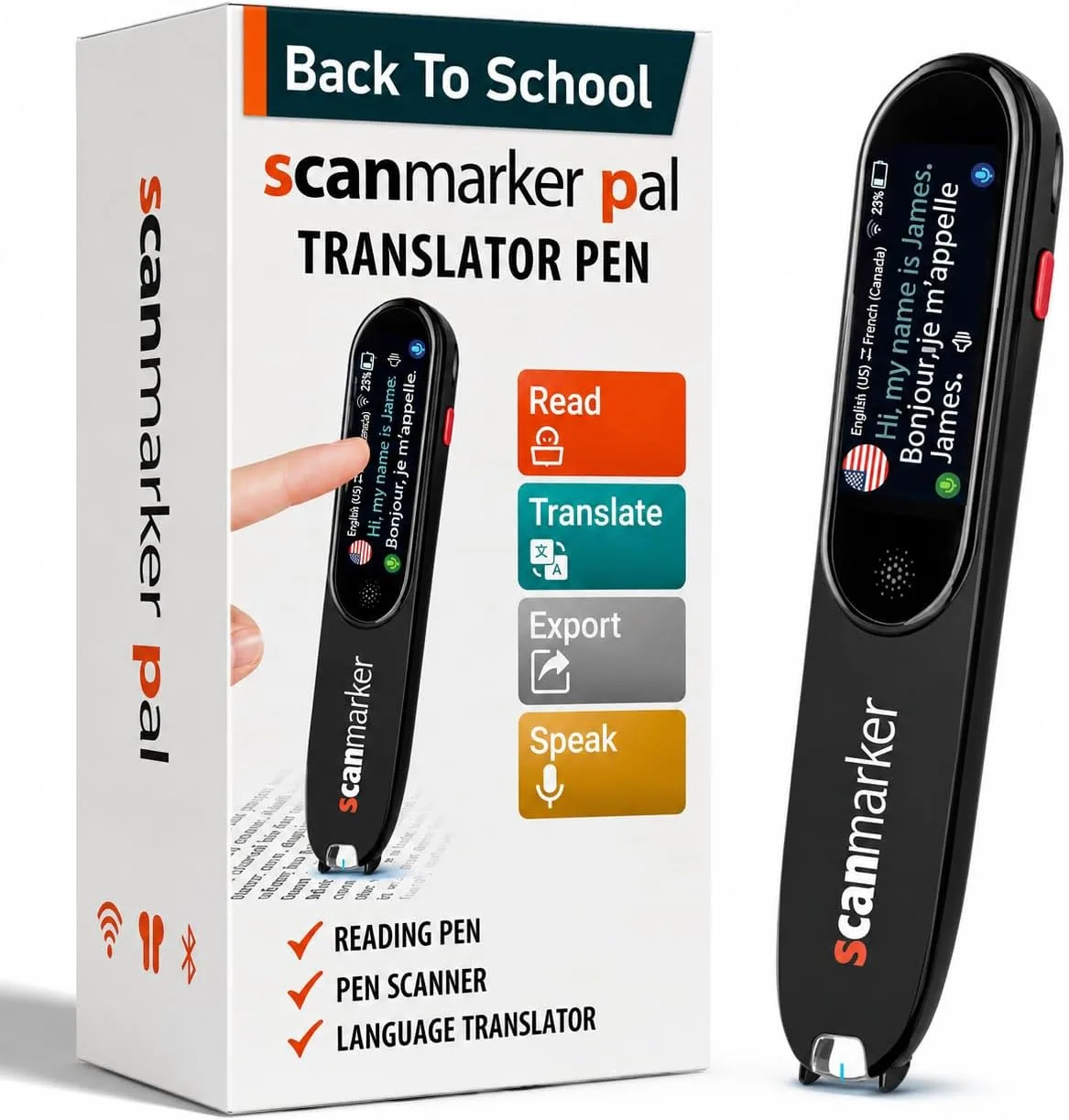
Scanmarker PAL
$179
Simple, Screen-Free Audio
- 100% Standalone (No phone or Wi-Fi needed)
- Instant text-to-speech upon contact
- Compact OLED status display
- 8-hour continuous battery life
- Ideal for Elementary & Homework
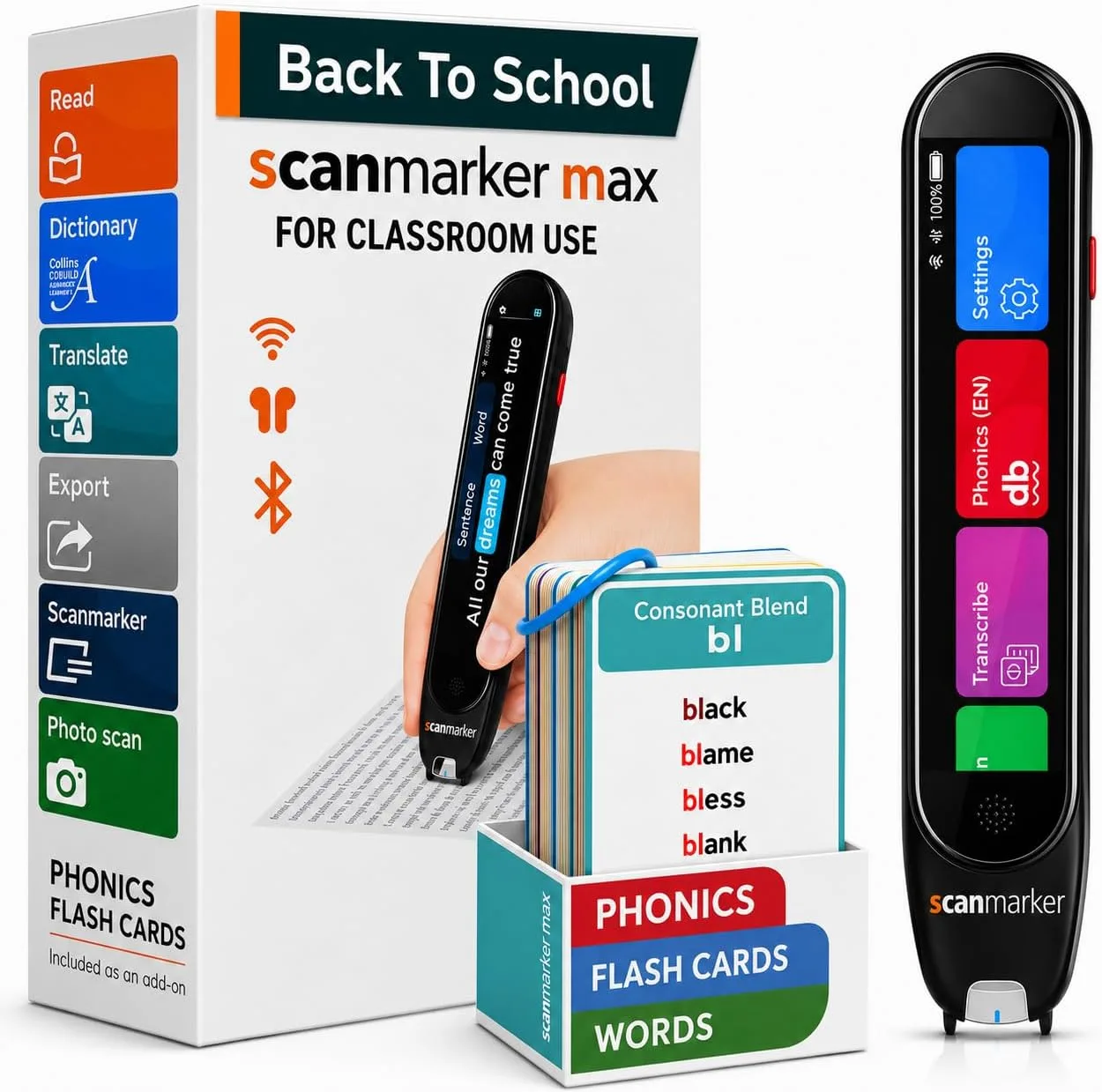
Scanmarker Max
$315
Phonics + Exam Lock
- Full color touchscreen interface
- Syllable & phonics decoding module
- Certified Exam-Lock test security
- 30 offline languages & dictionaries
- 16-hour long-life battery
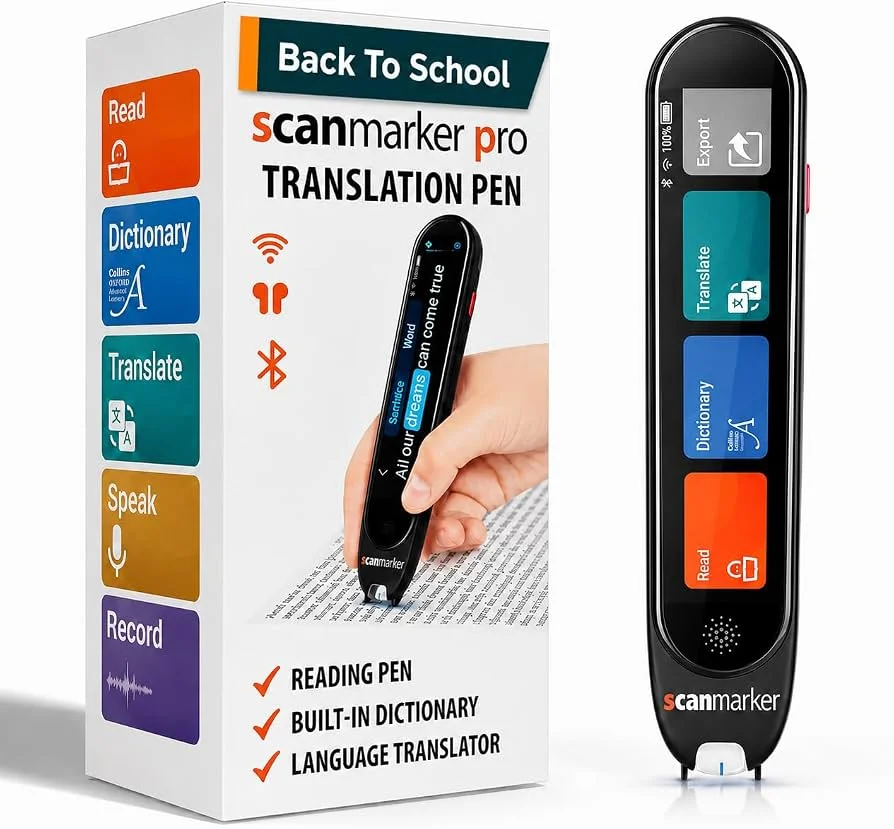
Scanmarker Pro
$259
Translation & Research
- 50+ online & 5 offline languages
- Text-to-speech + voice translation
- High-speed note digitization
- Color touchscreen display
- Ideal for college & bilingual learners
How Scanmarker Compares to C-Pen Reader 2
Many parents and educators also research the C-Pen Reader 2 and C-Pen Exam Reader 2. Here is how they stack up against Scanmarker:
- C-Pen Reader 2 (~$275): Excellent built-in English dictionaries (Collins/Oxford), but lacks a dedicated toggleable exam lock. This means schools often forbid the standard Reader 2 during formal exams.
- C-Pen Exam Reader 2 (~$260): Permanently locks out dictionaries and text storage to comply with JCQ/SAT testing rules, but cannot be unlocked for homework vocabulary study.
- Scanmarker Max ($315): Provides the best of both worlds — rich phonics and offline definitions during everyday study, with a password-protected Exam-Lock mode for test days.
- Scanmarker PAL ($179): Substantially more affordable than C-Pen while providing pure read-aloud functionality with zero distraction.
Technical Specifications Matrix
| Specification | Scanmarker PAL | Scanmarker Max | Scanmarker Pro | Scanmarker Air |
|---|---|---|---|---|
| Price (MSRP) | $179 | $315 | $259 | $149 |
| Standalone (No Phone/PC) | ✓ Yes | ✓ Yes | ✓ Yes | ✕ Connected Only |
| Screen Type | OLED Indicator | Color Touchscreen | Color Touchscreen | None (LED light) |
| Exam-Lock Mode | — Audio Only | ✓ Certified Lock | ✕ No | ✕ No |
| Phonics Module | ✕ No | ✓ Syllable & Sound | ✕ No | ✕ No |
| Battery Life | Up to 8 hours | Up to 16 hours | Up to 10 hours | Up to 7 days standby |
| Recommended For | Elementary & Homework | IEP/504 & Exams | College & Languages | Desktop Highlighting |
Risk-Free Trial & School Procurement
Every Scanmarker reading pen is backed by a 30-day money-back guarantee and a 1-year manufacturer warranty. If your child tries the pen on their actual textbooks and homework and it doesn't dramatically ease reading friction, you can return it for a full refund.
For public schools and districts, Scanmarker supports purchase orders, Net-30 invoicing, and educational digital wallets like ClassWallet. (Read our Educator Classroom Guide for purchase order details.)
Still not sure which model fits your child?