What Is a Reading Pen?
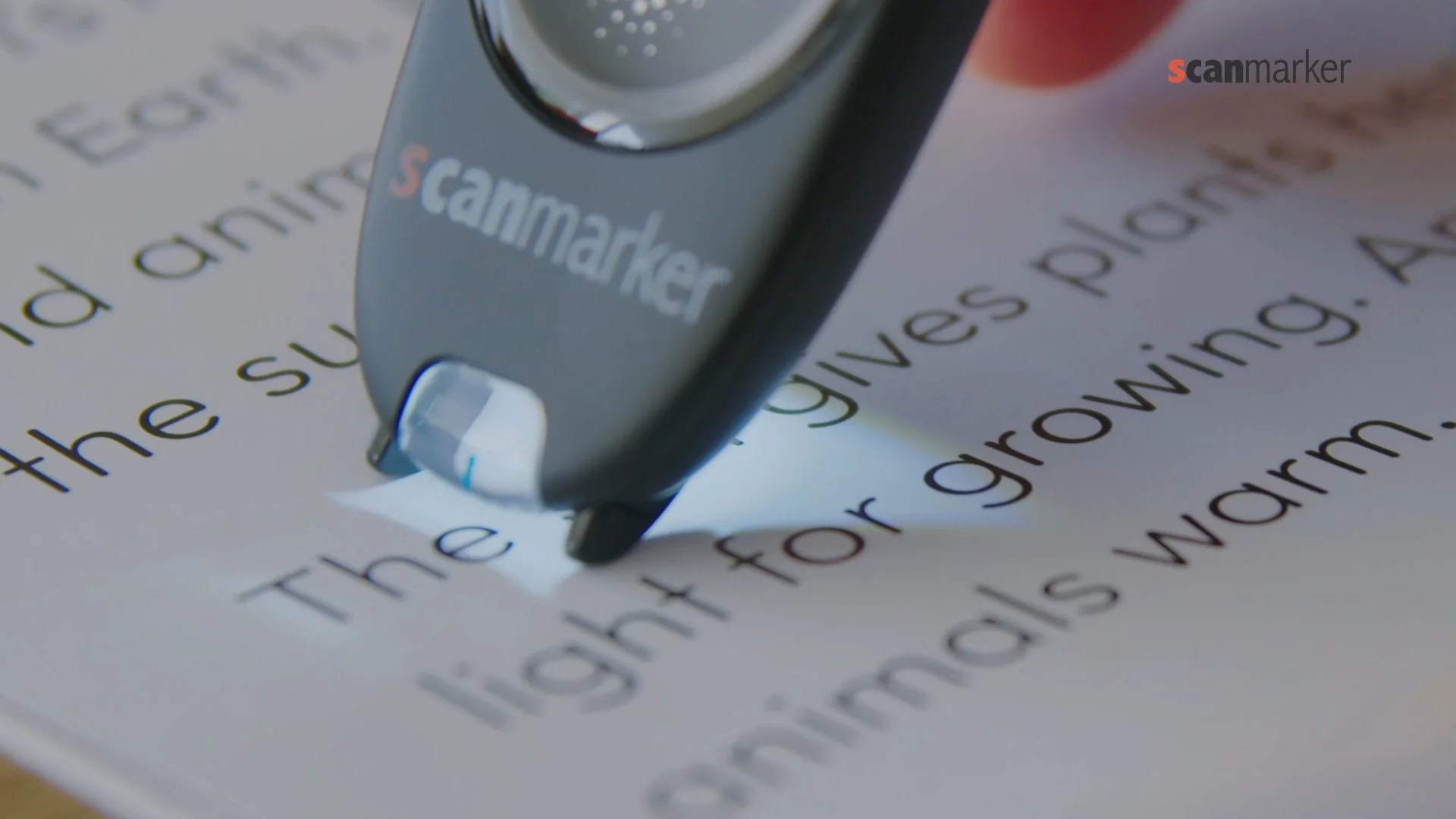
A reading pen, also called a pen reader or scanning pen, is a small handheld device designed to help people access printed text more independently. Instead of reaching for a phone or asking someone else to read a difficult word, the user places the pen over the text and scans it.
The device uses an optical sensor and optical character recognition (OCR) to recognize the printed words. Depending on the model, it can then read the text aloud, show it on the screen, provide a dictionary definition, translate it, or save the scanned text for later use.
The basic idea is simple: see a difficult word → scan it → hear or understand it → keep reading. For a learner with dyslexia, that small interruption can make a surprisingly big difference — a difficult word doesn't necessarily mean the learner doesn't understand the subject. A student might follow a science experiment perfectly well but get stuck on one unfamiliar word in the instructions. A reading pen can provide a way around that specific barrier without an adult stepping in every time.
How Does a Reading Pen Work?
Most reading pens combine several technologies in one handheld device:
- The optical sensor captures the text. The user moves the pen across a printed word or line, much like highlighting it with a pen.
- OCR recognizes the characters. Optical character recognition converts the image of the printed text into digital characters the device can understand.
- The device processes the text. Depending on the model, the recognized text may be passed to a text-to-speech engine, dictionary, translation tool, or storage system.
- The learner gets immediate support. The result might be spoken aloud through a built-in speaker or headphones, displayed on-screen, defined in a dictionary, or translated into another language.
The technology may be sophisticated, but the experience for the learner is deliberately simple: scan, listen, understand, continue.
What Can a Reading Pen Do?
Not every reading pen has the same capabilities — this is one of the most important things to understand when comparing devices. Some models are designed primarily to read words aloud; others combine reading support with dictionaries, translation, OCR storage, recording, or connectivity features. Common capabilities include:
- Text-to-speech: reads scanned words or text aloud.
- Pronunciation support: helps the learner hear how an unfamiliar word is spoken.
- Built-in dictionaries: provides definitions for unfamiliar vocabulary.
- Translation: converts words or text between supported languages.
- OCR and text capture: recognizes printed text and, on some models, stores or transfers it.
- Text storage: keeps scanned information for later reference or study.
- Headphone support: allows more private or discreet listening.
- Voice recording: some devices include recording features for notes or study.
The important question isn't "which pen has the most features?" It's "which features solve this learner's actual problem?" A child who mainly gets stuck on individual printed words may need excellent scanning and pronunciation. A multilingual learner may value translation far more. A student working with longer digital documents may be better served by computer-based text-to-speech. More features do not automatically mean a better tool.
Who Uses Reading Pens?
Learners with dyslexia. For some learners with dyslexia, reading individual unfamiliar words can interrupt fluency and make otherwise manageable tasks frustrating. A reading pen can provide immediate access to pronunciation or meaning, helping the learner continue without always relying on another person. The goal isn't to "fix" dyslexia — it's to remove a barrier to accessing the text.
Learners with literacy difficulties. A reading pen can also support learners who experience difficulties with reading or vocabulary, particularly when they need occasional help with individual words rather than continuous support across an entire passage.
EAL and language learners. For learners working in a language that isn't their first, pronunciation, dictionary, and translation functions can be particularly useful. A single unfamiliar word can raise two questions — "how do I say it?" and "what does it mean?" — and depending on the device, a reading pen can help answer both.
Students working independently. One of the biggest potential benefits is independence. Instead of difficult word → stop → find an adult → ask → wait → continue, the process can become difficult word → scan → listen → continue. That doesn't eliminate the need for teachers, parents, or reading instruction — it just means not every small obstacle has to become an interruption.
Is a Reading Pen the Same as a Phone?
Not exactly. A phone can perform many of the same functions — and much more — but that doesn't necessarily make it the better option. A phone may require opening an app, taking a photograph, finding the right tool, managing notifications, navigating a screen, or connecting to the internet. A dedicated reading pen is designed around one specific interaction: scan the printed text and get support. That can make it easier to use directly on a worksheet, textbook, or other physical page — and a dedicated device can also be easier for schools to distinguish from a general-purpose smartphone.
Is a Reading Pen a Replacement for Reading Instruction?
No — this distinction is fundamental. A reading pen is an assistive technology tool. It can help a learner access text when reading presents a particular barrier, but it doesn't replace explicit instruction in decoding, phonics, fluency, vocabulary, or comprehension.
Instruction builds reading skills. Assistive technology provides access when a barrier gets in the way. A learner can receive effective reading instruction while also using assistive technology when appropriate. The aim isn't to scan every word automatically — a more useful pattern is try → think → scan → understand → continue. The learner still engages with the text; the pen simply provides a way forward when a particular word becomes an obstacle.
What a Reading Pen Is — and Isn't
A reading pen is: a portable access tool; a way to get support with printed text; potentially useful for pronunciation and vocabulary; a possible source of greater independence; one form of assistive technology.
A reading pen isn't: a cure for dyslexia; a replacement for reading instruction; automatically the best solution for every learner; a substitute for comprehension teaching; identical across every model or brand.
That last point matters when choosing a device. Two reading pens may look almost identical on the outside while offering very different dictionaries, languages, OCR capabilities, audio options, storage, connectivity, and restrictions — which is exactly what the rest of this guide walks through.
OCR Accuracy
OCR is the foundation of a scanning pen. Ask what languages are supported, what font sizes work, whether it can handle common textbook layouts, how quickly it recognizes text, and how much scanning practice the user needs. Real-world scanning conditions matter.
Text-to-Speech and Dictionary Functions
If spoken reading is important, evaluate voice quality, supported languages, word pronunciation, sentence reading, repeat functionality, and speed controls if available.
For students and language learners, dictionary access can be particularly useful — look for definitions, pronunciation, multiple meanings, search speed, and offline availability.

Translation
If translation is important, check exactly which languages are supported, and look separately at OCR languages, translation languages, dictionary languages, and speech languages — these aren't necessarily the same.
Printed vs. Digital Material
This is one of the most important decisions. If your reading material is mostly printed, a reading pen fits. If it's mostly digital, text-to-speech fits better. If you use both, consider both technologies.
Offline Functionality and Connectivity
Ask whether the device can perform important functions without internet access — valuable for schools, travel, libraries, classrooms, and areas with unreliable connectivity.
If text transfer matters, investigate supported operating systems, connection method, transfer workflow, and software requirements.
Battery Life and Ease of Use
Check expected operating time rather than assuming a device will last all day. For students, also consider charging convenience, charging cable, standby behavior, and whether the device can be charged at school.
For children especially, ease of use can matter more than specifications. The ideal workflow should be simple: point, scan, listen or read, continue. If using the device requires several complicated menus, it may not become part of the child's normal routine.

Who Is Using It?
A child should prioritize simplicity and independence. A teenager should consider portability, speed, connectivity, and school use. An adult should consider productivity, language support, and personal workflow. An educator should consider classroom practicality and student management. A school should consider deployment, procurement, compatibility, and support.
Reading Pens for Dyslexia
For a person with dyslexia, the most relevant features may include easy scanning, text-to-speech, pronunciation, dictionary access, portability, and independent operation — but the right combination depends on the individual.
A reading pen should be viewed as assistive technology, not as a replacement for evidence-based reading instruction.
Compare Models: Specs & Price
Prices below match the Scanmarker store as of August 2026. This guide focuses on PAL and Max for dyslexia support, with Pro included for context.
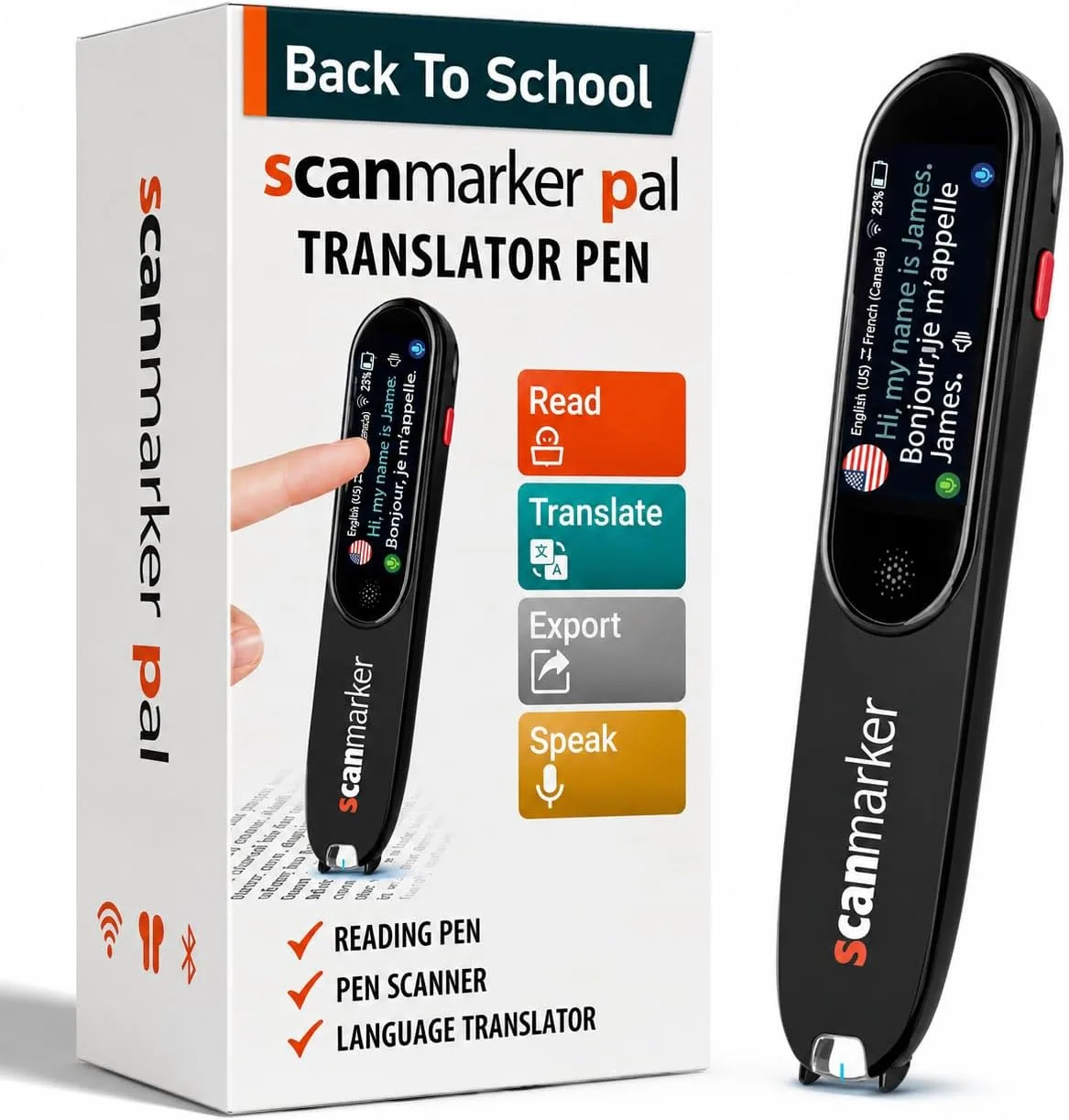
Scanmarker PAL
$179
Simple, immediate read-aloud
- Standalone — no phone or app required
- 10 languages
- 8-hour battery
- Nothing to configure
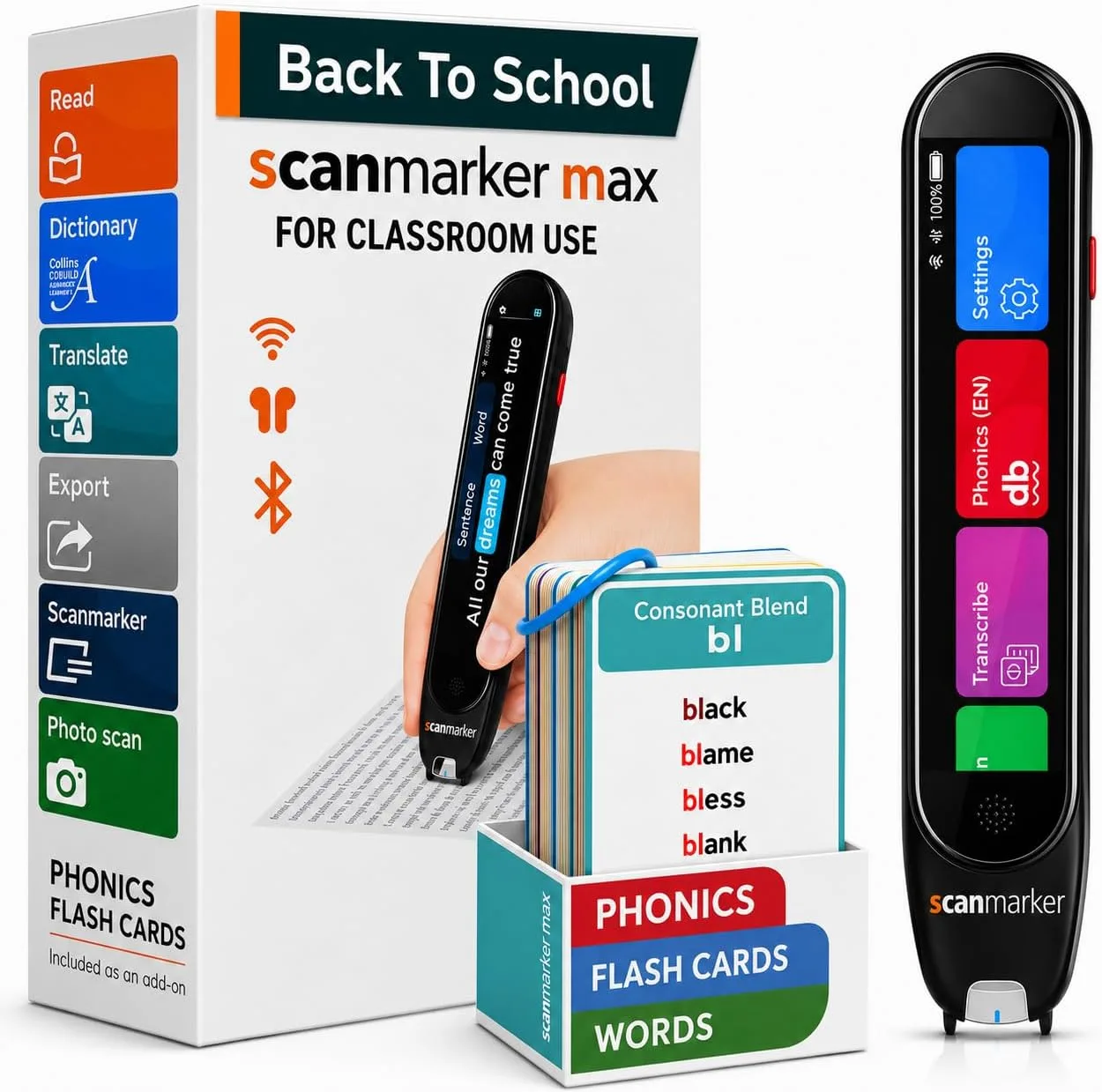
Scanmarker Max
$315
Phonics, exam-lock, translation
- Standalone — exam-approved
- 30 languages
- 16-hour battery
- Phonics module, exam-lock mode
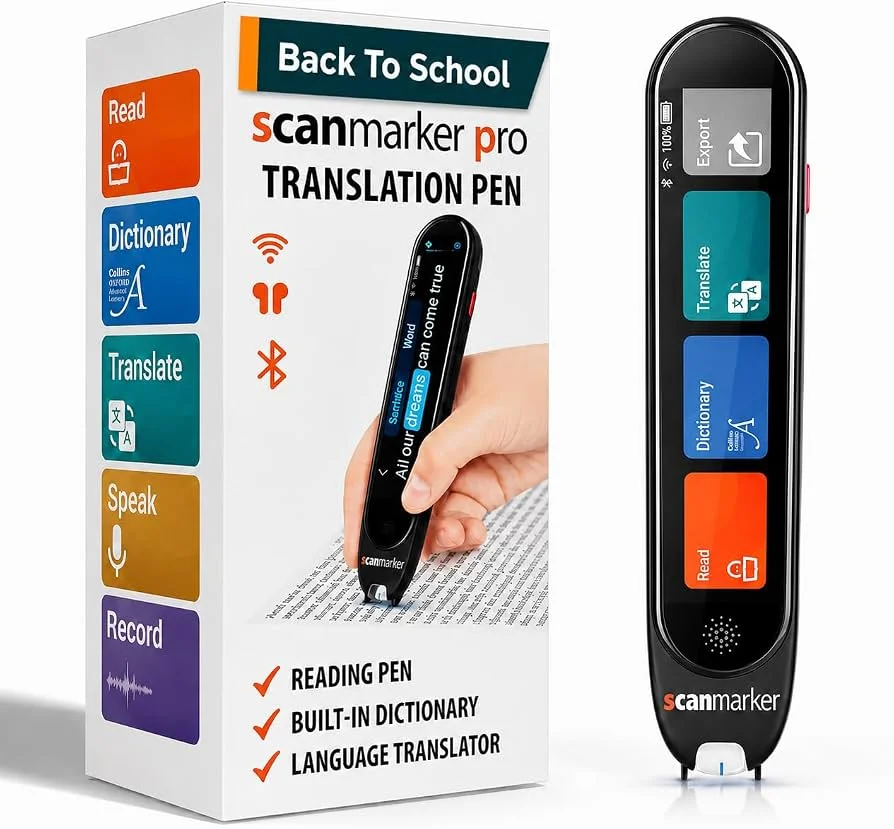
Scanmarker Pro
$259
Translation & note-taking
- Standalone
- 50+ languages online, 5 offline
- No phonics module or exam-lock
- Best for heavy translation use
| Feature | PAL | Max | Pro |
|---|---|---|---|
| Price | $179 | $315 | $259 |
| Reads aloud, standalone | Yes | Yes | Yes |
| Languages | 10 | 30 | 50+ online, 5 offline |
| Battery life | 8 hours | 16 hours | — |
| Phonics module | No | Yes | No |
| Exam-lock mode | No | Yes | No |
| Best for | Early / struggling readers | Phonics + exam accommodations | Translation + note-taking |
How Does Scanmarker Compare to C-Pen Reader 2?
A frequent question from parents and educators researching assistive reading pens is how Scanmarker compares to other market options like the C-Pen Reader 2. Both devices are portable, standalone assistive tools engineered to scan printed words and read them aloud through built-in speakers or headphones without requiring a phone or Wi-Fi connection.
While both devices support offline text-to-speech and approved exam accommodations, they emphasize different learning approaches:
- Display & Feedback: Scanmarker Max includes a responsive, full-color touchscreen that clearly displays scanned text with customizable font sizes, visual tracking, and synchronized audio playback.
- Phonics & Multisensory Instruction: Unlike traditional dictionary-focused reading pens, Scanmarker Max includes a dedicated phonics module. When paired with the optional 200 physical phonics drill cards ($35), learners can practice phoneme-grapheme decoding, syllable division, and letter-sound blending.
- Target Audience & Price Range: For early learners or readers overwhelmed by complex menus, Scanmarker PAL ($179) offers a streamlined, screenless scan-and-hear solution at a significantly lower price point than full-featured multifunction pens. For older students needing phonics and exam locks, Scanmarker Max ($315) offers an all-in-one companion.
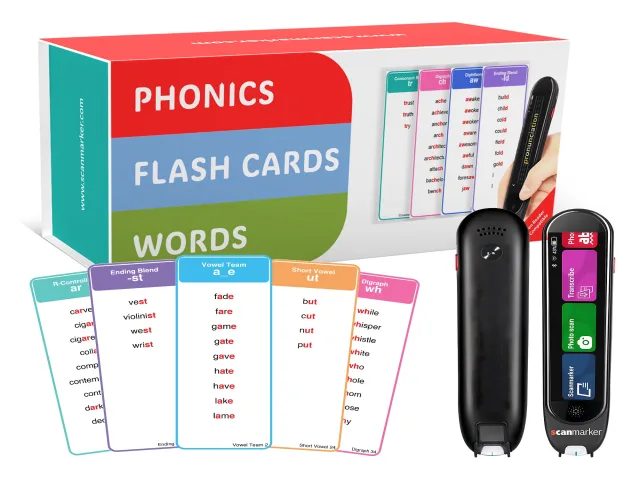
On this site the two pens that matter are:
PAL — $179 scan-and-hear, no phone.
Max — $315 phonics module, exam-lock, translation.
Phonics cards — $35 practice pack for Max, sold separately.