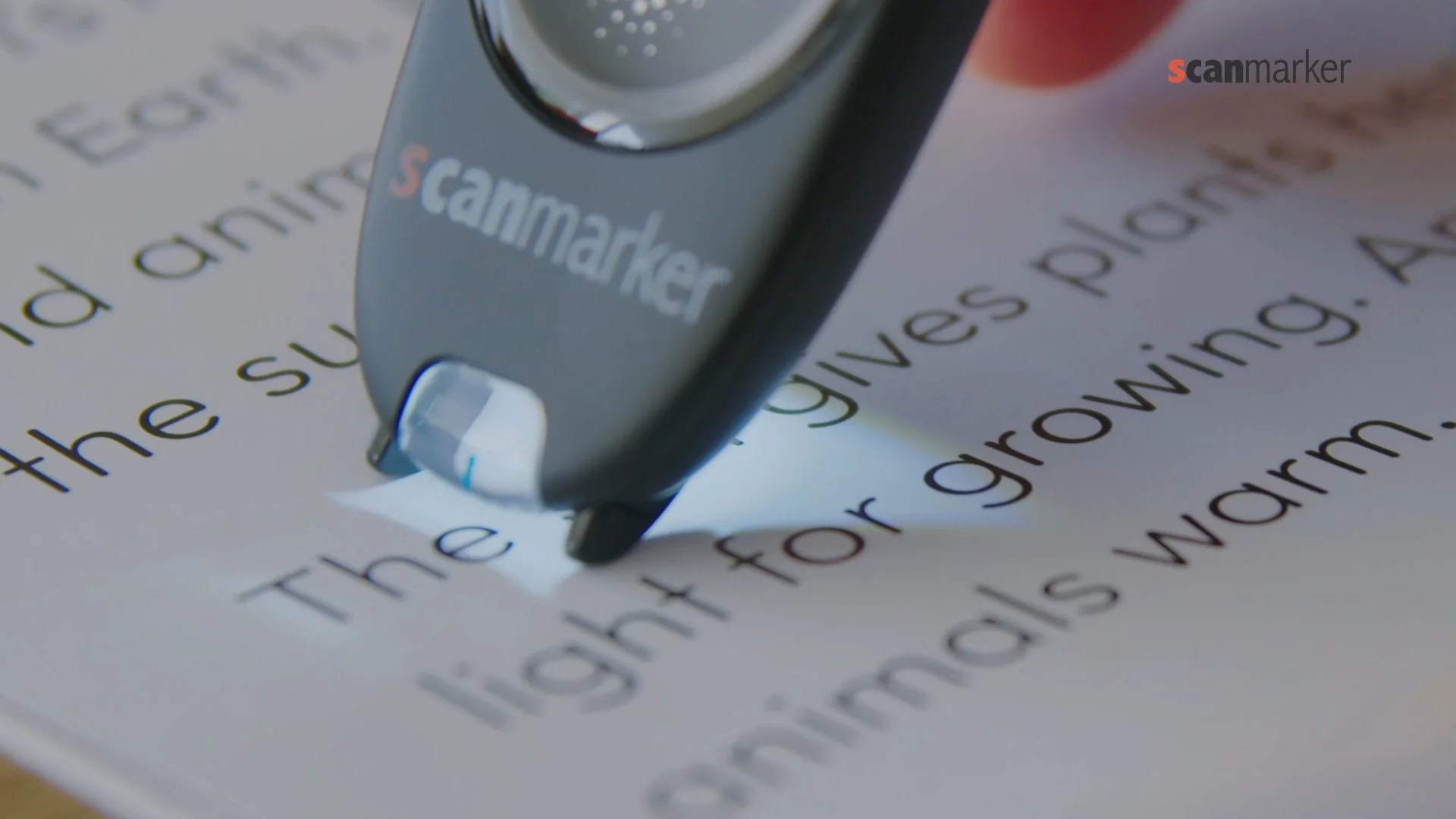
Scanmarker Models at a Glance
Every reading pen in the Scanmarker lineup uses optical character recognition (OCR) to capture printed text, but they serve completely different learning and productivity workflows. Below are the 4 main models compared for assistive reading, school use, and note-taking.
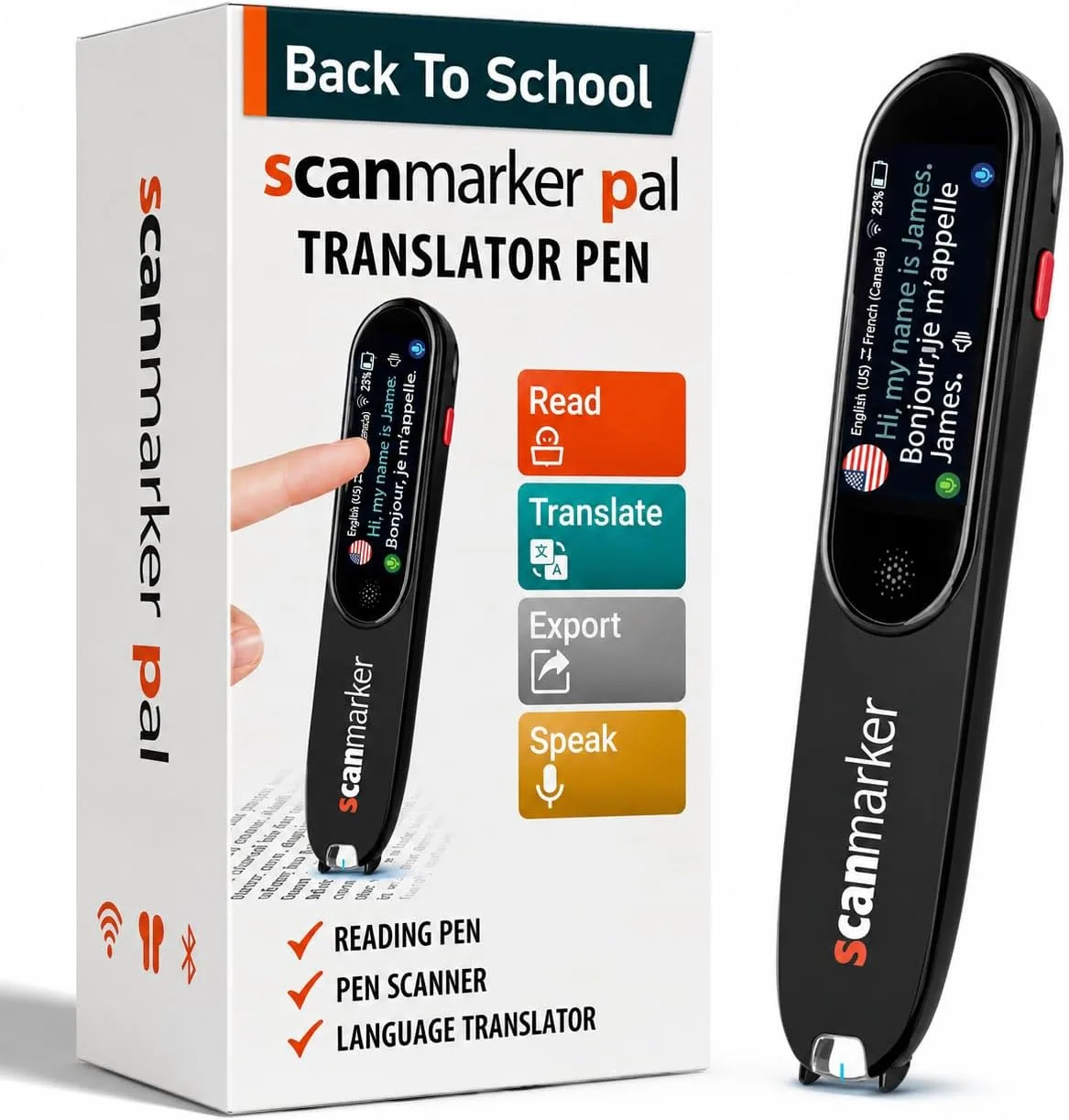 Screenless & Simple
Scanmarker PAL
$179
Distraction-free read-aloud
- Standalone: No phone, app, or Wi-Fi needed
- Audio-First: Immediate speech playback through built-in speaker or headphones
- 10 Languages: Accurate offline text-to-speech
- 8-Hour Battery: Lightweight, kid-friendly grip
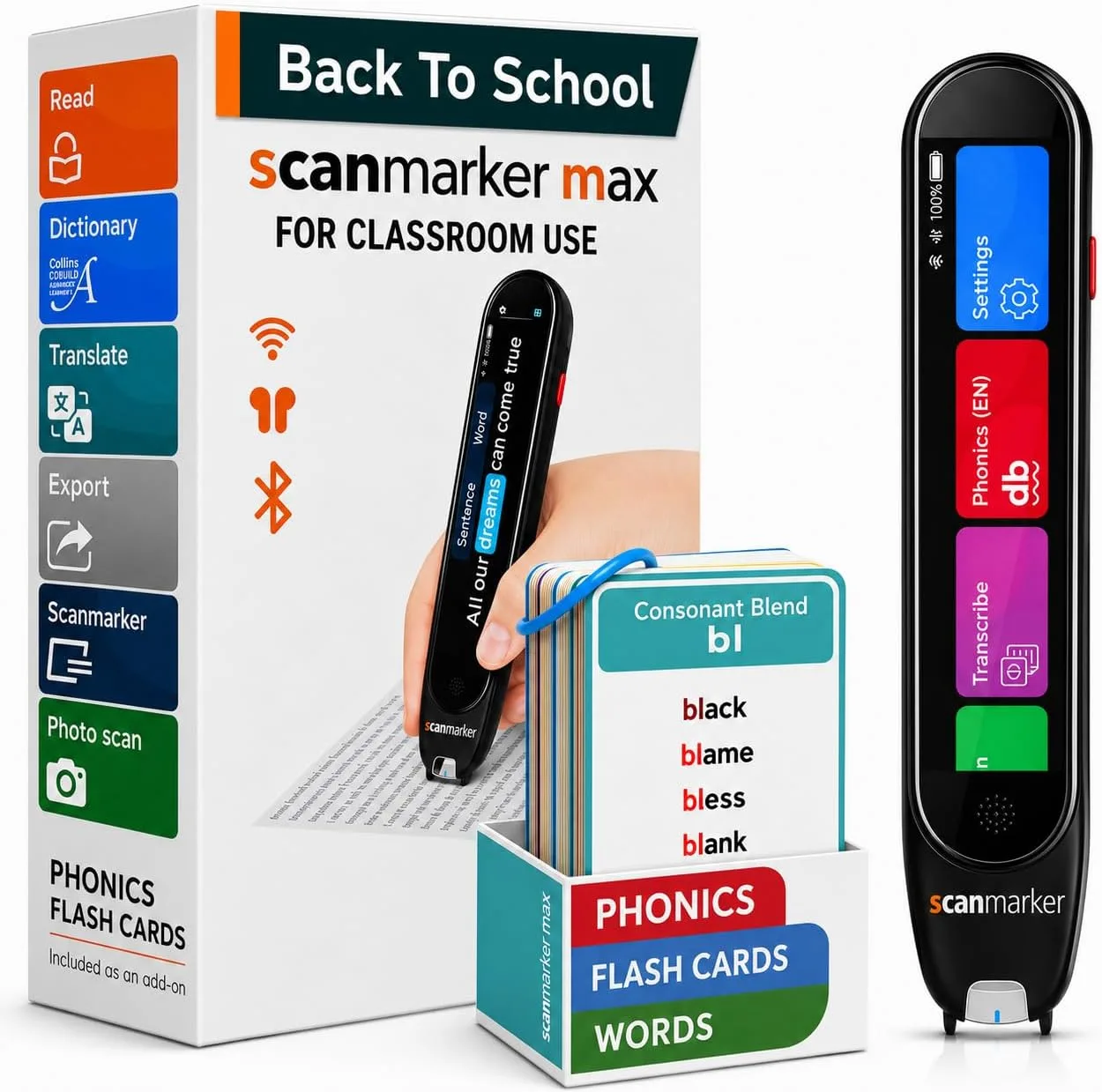 Full-Color Touchscreen
Scanmarker Max
$315
Phonics, exams & reading support
- Multisensory: Responsive color display with word tracking
- Phonics Module: Syllable breakdowns & phoneme drills
- Exam-Lock Mode: Disables dictionaries for test accommodations
- 30 Languages: 16-hour long-life battery
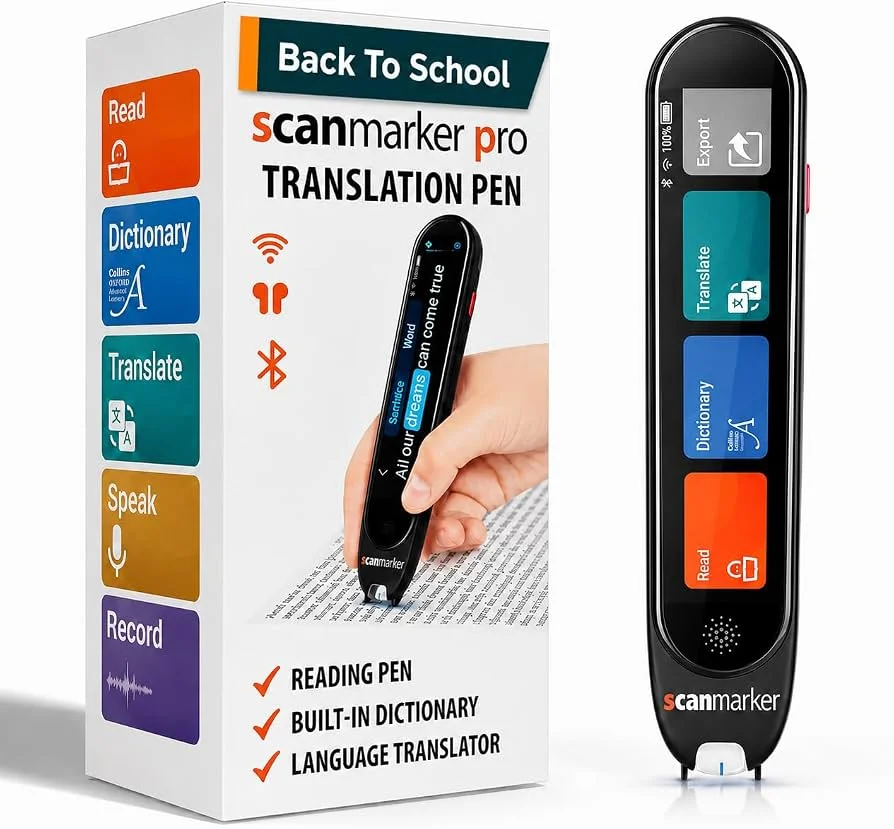 Translation Focus
Scanmarker Pro
$259
Multilingual note-taking
- Standalone: Built-in touchscreen display
- 50+ Languages Online: 5 major offline languages
- Voice Recorder: Two-way speech translation
- Note: No phonics module or test exam-lock
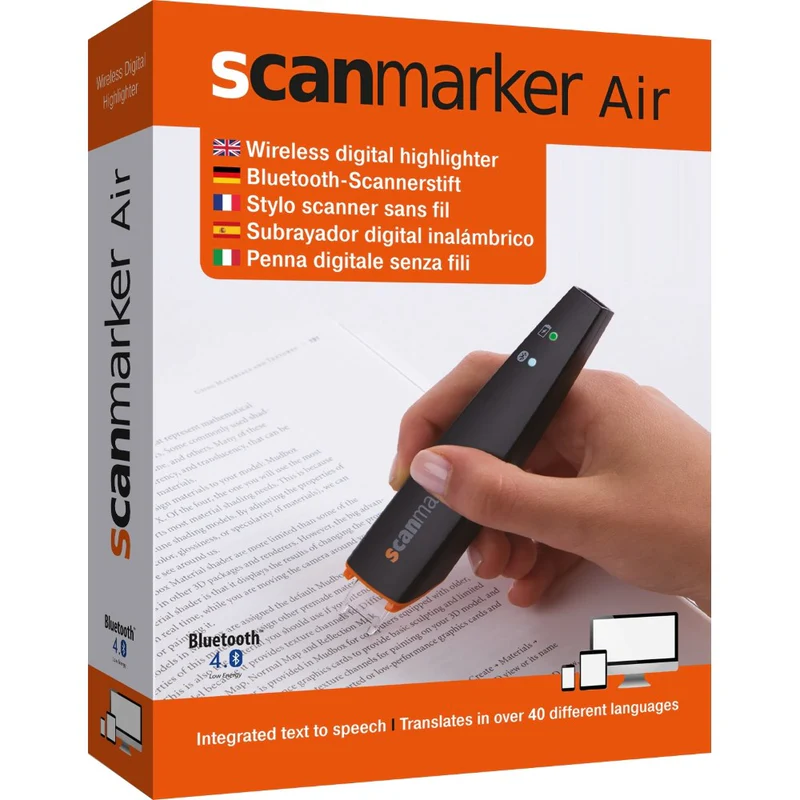 Connected OCR
Scanmarker Air
$149
Digital highlighter for PC & Mac
- Connected: Transfers text into Word, Docs & Excel
- 112 OCR Languages: Lightning-fast document capture
- Bluetooth & USB: Mac, Windows, iOS, Chromebook
- Note: Not standalone (requires computer/tablet)
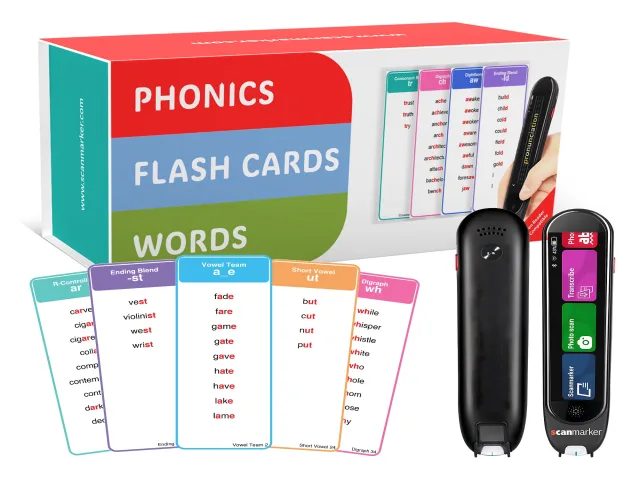
Need Physical Phonics Practice? Scanmarker Phonics Cards ($35)
A common point of confusion: the Phonics Cards are an interactive 200-card tactile flashcard set designed as an add-on for the Scanmarker Max. They are not an independent pen. When scanned with Max, they activate guided phonics drills, syllable blending, and pronunciation exercises.
Complete Technical Specifications Matrix
Compare the precise hardware capabilities, reading modes, and educational accommodations of each model side-by-side:
| Specification | Scanmarker PAL | Scanmarker Max | Scanmarker Pro | Scanmarker Air |
|---|---|---|---|---|
| Price (MSRP) | $179 | $315 | $259 | $149 |
| Device Architecture | Standalone Handheld | Standalone Handheld | Standalone Handheld | Connected Digital Highlighter |
| Built-in Display | — (Audio Only) | ✓ Full-Color Touchscreen | ✓ Full-Color Touchscreen | — (Uses Computer Screen) |
| Reads Aloud Independently | ✓ Yes (No phone/PC) | ✓ Yes (No phone/PC) | ✓ Yes (No phone/PC) | — Requires Computer/App |
| Phonics & Syllable Module | — No | ✓ Yes (Built-in + Cards) | — No | — No |
| Exam-Lock Mode (Testing Accommodations) | — Standard Read-Only | ✓ Yes (PIN-Protected) | — No | — No |
| Built-in Dictionaries | — Audio pronunciation | ✓ Comprehensive Definitions | ✓ Multi-Language Dict | — Computer software |
| Languages Supported | 10 Offline Languages | 30 Offline Languages | 50+ Online, 5 Offline | 112 OCR Languages (Desktop) |
| Audio Output | Built-in Speaker + 3.5mm Jack | Speaker + 3.5mm Jack + Bluetooth | Speaker + 3.5mm Jack + Bluetooth | Computer / Device Speakers |
| Battery Life | Approx. 8 Hours | Approx. 16 Hours | Approx. 8–10 Hours | Approx. 7 Days (Standby/Use) |
| Charging & Connection | USB-C Fast Charging | USB-C Fast Charging | USB-C Fast Charging | USB-C / BLE 4.0 |
| Best Suited For | Early & elementary struggling readers | Dyslexia, Middle/High School & Exams | Multilingual adults & EAL students | College researchers & office note-taking |
| Direct Store Link | Buy PAL ($179) | Buy Max ($315) | Buy Pro ($259) | Buy Air ($149) |
Ready to choose? For elementary students who only need to scan a tricky word and hear it immediately, start with PAL ($179). For older students facing rigorous textbooks, phonics challenges, or standardized tests, choose Max ($315).
Head-to-Head: Scanmarker PAL vs. Scanmarker Max
For parents and educators supporting learners with dyslexia, the choice almost always comes down to PAL ($179) versus Max ($315). Both devices work offline without requiring a phone, app, or Wi-Fi connection, but they address different cognitive needs:
Scanmarker PAL
$179The Screenless Pure-Audio Specialist
- Zero Visual Distraction: No menus, apps, or screens to get lost in. Kids focus purely on their physical book.
- Instant Operation: Place tip against the page, glide across the word, and hear it pronounced instantly through the built-in speaker.
- Ergonomic for Small Hands: Lighter chassis that elementary children can hold without hand fatigue.
- Budget-Friendly: Full standalone text-to-speech functionality at nearly half the price of high-end multifunction pens.
- When to Avoid: If the student needs to see words highlighted visually, requires dictionary definitions, or attends school tests with strict exam-lock requirements.
Scanmarker Max
$315The Complete Multisensory & Exam Solution
- Dual-Track Feedback: Scanned text appears instantly on the full-color touchscreen with synchronized highlighting while audio plays.
- Phonics & Decoding: Dedicated syllable breakdown mode teaches students how to sound out complex multi-syllabic words.
- Standardized Exam-Lock: Teachers or proctors can lock the pen with a PIN to disable dictionaries, allowing legal use on SAT, ACT, and GCSE exams.
- All-Day 16-Hour Battery: Twice the runtime of other pens, easily lasting through school and evening homework sessions.
- When to Avoid: If a very young child is prone to tapping touchscreen settings rather than reading their physical book.
Standalone Reading Pens vs. Connected OCR Scanners
Understanding the distinction between standalone and connected hardware prevents costly purchasing mistakes:
- Standalone Reading Pens (Max, PAL, Pro): Contain an onboard processor, battery, speaker, and OCR memory. They do not connect to a computer or smartphone during daily reading. When a student encounters a roadblock in a printed paperback or exam paper, they scan and receive immediate auditory support on the spot.
- Connected OCR Scanners (Scanmarker Air & USB): Function as handheld digital input devices. They require a live Bluetooth or USB connection to a laptop, Chromebook, iPad, or Android tablet. As you glide across printed text, the words are typed directly into Microsoft Word, Google Docs, or your web browser at up to 3,000 characters per minute.
If your goal is helping a child read an unadapted printed novel or school worksheet independently, buy a standalone pen (Max or PAL). If your goal is digitizing textbook quotes into your term paper on a MacBook or PC, choose Scanmarker Air.
How Scanmarker Max Compares to C-Pen Reader 2
A frequent comparison for parents is Scanmarker Max versus the C-Pen Reader 2. While both devices provide approved exam accommodations and offline dictionary support, they differ in several key pedagogical areas:
- Touchscreen Navigation: Scanmarker Max features a responsive capacitive touchscreen, allowing students to tap specific words in a sentence to hear them repeated. The C-Pen Reader 2 relies on a physical four-way directional pad and center button.
- Interactive Phonics Training: Scanmarker Max includes an integrated phonics instruction module and supports the optional 200 Phonics Cards ($35). Learners can physically scan grapheme cards to practice syllable division, vowel blends, and sound-letter mapping. The C-Pen focuses strictly on dictionary and read-aloud features.
- Battery Capacity: Scanmarker Max provides up to 16 hours of continuous operation on a single USB-C charge, compared to approximately 8 hours on standard competitor pens.
Choosing by Grade Level and Educational Setting
🎒 Elementary School (Grades K–5)
Recommended: Scanmarker PAL ($179). Early readers are easily overwhelmed by multi-tiered menus and touchscreens. PAL offers a tactile "glance-free" experience that builds decoding confidence without turning into a digital toy.
📚 Middle & High School (Grades 6–12)
Recommended: Scanmarker Max ($315). Secondary students face dense science and literature texts. Max provides vocabulary definitions, phonics breakdown for technical terminology, and an Exam-Lock mode required by proctors.
🎓 College & University Students
Recommended: Max ($315) or Air ($149). College students who need to read printed academic journals benefit from Max's discrete Bluetooth earbud support. Those writing research papers benefit from Air's instant text-to-document capture.
🏫 Special Ed & School Resource Rooms
Recommended: Max ($315) Multi-Packs. SENCos and resource specialists prefer Max for its PIN-controlled Exam-Lock mode, compliance with IEP/504 testing guidelines, and broad 30-language translation support.
6-Point Buying Checklist Before You Order
- Will the pen be used in test environments? If yes, verify whether your district or exam board requires an Exam-Lock feature. Scanmarker Max includes this; PAL does not.
- Does the user need to see words as they hear them? Dual-modality (visual highlighting + synchronized speech) significantly aids word recognition in dyslexic learners. Choose Max for dual tracking; choose PAL for pure audio simplicity.
- Is physical phonics drill needed? If your learner works with Orton-Gillingham or structured literacy methods, pair Scanmarker Max with the $35 Phonics Practice Cards.
- Is internet access restricted at school? Both PAL and Max function 100% offline out of the box. No school Wi-Fi login or security bypass is ever needed.
- Is the reader left-handed? All Scanmarker pens feature left-hand and right-hand orientation toggles in their core settings.
- What is your primary reading medium? If your text is printed on physical paper, choose a reading pen. If all your reading is on a laptop screen, browser-based screen readers or text-to-speech software may be sufficient.