Quick Answer: Are Scan Reader Pens Helpful for Dyslexia?
They can be helpful when a person needs support accessing printed text. A good reader pen can:
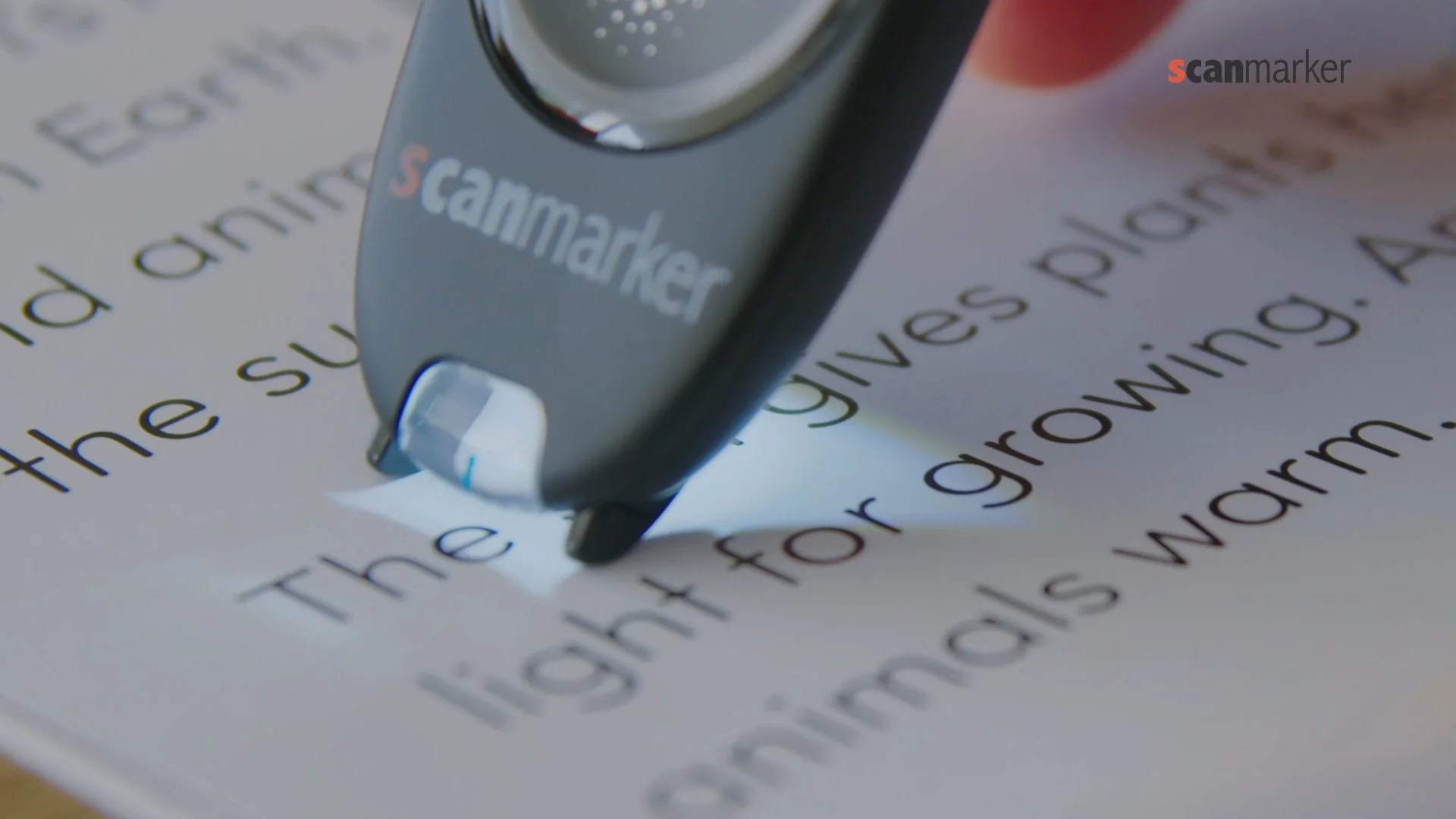
- scan a word, line, or short passage from a book or worksheet;
- convert the print to digital text using optical character recognition (OCR);
- speak the result through its speaker or headphones;
- offer a definition, word saving, translation, or export feature, depending on the model;
- give the reader control over pace, volume, and sometimes voice or display settings.
Text-to-speech lets a reader see text and hear it at the same time, and can support readers who have difficulty with decoding, recognition, or sustaining attention on print. (Understood: assistive technology for reading)
The best fit is usually someone who reads from physical books, printed worksheets, labels, forms, or handouts. If nearly all material is already digital, a laptop, tablet, or phone's built-in read-aloud tools may be simpler and less expensive.
How Does a Dyslexia Reader Pen Work?
The process is straightforward:
- Scan: Glide the tip across one printed line at a steady pace.
- Recognize: The pen's OCR software identifies letters and words.
- Read aloud: Text-to-speech plays the word or line back.
- Support: Depending on the device, the user can replay it, look up a definition, save it, translate it, or send it to another device.
This is especially useful for "in-the-moment" support. Instead of abandoning a paragraph to ask for help or hunt through a dictionary, the reader can check the word and continue. Reader pens are most reliable on clean, high-contrast, reasonably sized printed text. They are less reliable on handwriting, very small type, curved pages, glossy paper, damaged print, complex tables, or dense multi-column layouts.
Why a Reader Pen Can Support People With Dyslexia
No two people with dyslexia have identical needs, so the value of a pen depends on the task. The most useful benefits tend to be practical rather than magical.
1. It Reduces the Cost of Getting Stuck
When decoding a word consumes a lot of effort, it can interrupt comprehension. A pen gives immediate pronunciation or read-aloud feedback, allowing the reader to stay with the paragraph's meaning.
2. It Makes Print More Accessible Away From a Screen
Digital text-to-speech is common, but textbooks, worksheets, library books, letters, menus, and paper forms are still everywhere. A scanning pen adds a bridge from physical print to audio.
3. It Supports a Multi-Sensory Routine
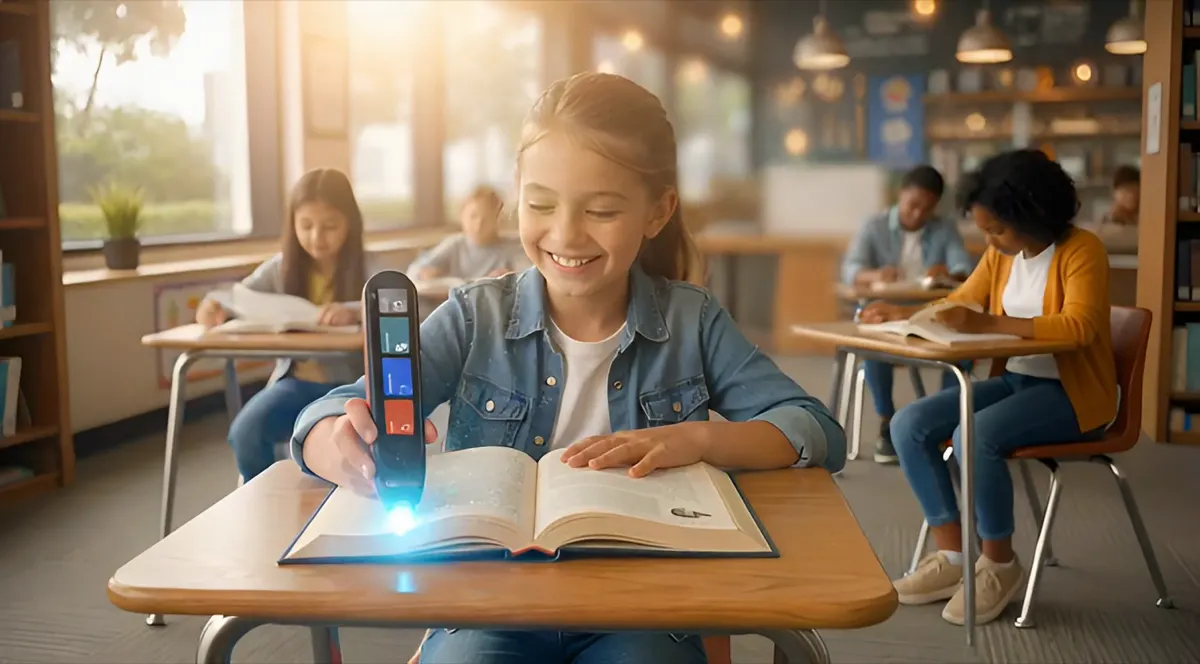
Many readers benefit from seeing a word, hearing it, and physically guiding the pen along the line. Read-aloud tools with visual tracking are commonly used to support attention and comprehension. (Understood: how reading technology can help)
4. It Can Increase Independence
For a student, being able to check a difficult word privately can reduce reliance on an adult reader for every small barrier. For adults, it can make printed instructions, training materials, and everyday documents easier to manage.
5. It Can Fit an Accommodation Plan
Some schools allow a text reader or reading pen as an accommodation. In the United States, this may be considered as part of a student's IEP, 504 plan, or local accommodation process; the right answer depends on the school and assessment. (Understood: classroom accommodations for dyslexia)
Reader Pens Are Support — Not a Substitute for Teaching
This point deserves to be clear. A reading pen can make grade-level content more accessible today. It does not, by itself, teach phonological awareness, decoding, spelling, or fluent reading. For learners who need reading intervention, assistive technology works best alongside appropriate assessment and explicit, evidence-based instruction. The International Dyslexia Association describes text-to-speech as an assistive technology that can provide access to written information while direct instruction continues to build decoding skills. (International Dyslexia Association)
Think of it as a ramp: it helps the learner reach the information while longer-term instruction strengthens the underlying reading skills.
The Reader Pen Market in 2026
The market has moved beyond one basic "scan and speak" device. Today's products generally fall into three groups.
| Category | What it does | Best for | Watch-outs |
|---|---|---|---|
| Standalone smart reader pen | Has a screen, speaker, battery, and often Wi-Fi, dictionaries, translation, and saved scans. | Students and adults who need print-to-speech without a phone or laptop. | Features vary greatly; online features may need Wi-Fi. |
| Connected scanner pen | Sends scanned text to a computer, tablet, or phone app via Bluetooth or USB. | Users who want editable text, larger display controls, or school/work documents. | Usually needs a companion device and may be less convenient for quick paper reading. |
| Exam-focused reading pen | A restricted device intended for permitted assessment use. | Candidates with confirmed approval from their centre or awarding body. | Rules are jurisdiction- and assessment-specific; do not assume a regular pen is allowed. |
What Buyers Are Looking For
The strongest demand signals are not "more features" in isolation. Buyers are looking for:
- independent access to classroom print;
- less screen switching than a phone camera or OCR app;
- adjustable speech rate and headphone use for privacy;
- offline core reading for classrooms, travel, and tests where internet access is unavailable;
- a clear school or home workflow rather than a device that needs constant adult setup;
- exam-safe options where permitted.
This is also where the market divides. Standalone products emphasize immediate reading support. Connected products emphasize scanning into software, editing, sharing, and larger-screen customization. Neither is automatically better: the right choice follows the reader's material and environment.
Current Product Landscape
C-Pen Reader 3: standalone reading support. C-Pen's Reader 3 is positioned as a multi-function reading pen. Its official 2025 flyer lists read-aloud, dictionary definitions, practice mode, scan-to-file, voice recording, a talking menu, a speaker and USB-C earphone jack, plus more than eight hours of battery life. It also describes online support for 40+ languages. (C-Pen Reader 3 official flyer) Best fit: a reader who wants a self-contained device for books, worksheets, and daily study, and who may benefit from dictionary or practice features. Check before purchase: which functions work offline, the available language packs, headphone compatibility, school policy, and whether saving/scanning functions are appropriate for the intended setting.
Scanmarker Pro, PAL and Max: standalone smart pens. Scanmarker groups its Pro, PAL, and Max models as standalone smart reading pens with built-in screens and read-aloud capabilities. Its current comparison page lists Wi-Fi/cloud, Bluetooth, text-to-speech, translation, scan-to-app, and 40+ supported languages across that range, while feature availability and battery claims differ by model. (Scanmarker feature comparison) The Scanmarker Pro product page describes a standalone touchscreen, Wi-Fi, Bluetooth support for wireless earbuds, adjustable reading speed and volume, storage, and a reading ruler. (Scanmarker Pro) Best fit: learners who want a screen-based device with read-aloud and potentially broader language, translation, or study functions. Check before purchase: whether the student needs a dictionary, whether the classroom permits Wi-Fi or Bluetooth, and how much functionality is genuinely useful rather than distracting.
Scanmarker Reader, Air and USB: connected scanner pens. Scanmarker positions Reader, Air, and USB as connected pens: they pair with an app, phone, or computer rather than functioning as fully independent reading devices. Its comparison page distinguishes them from standalone devices and lists different connection types, battery expectations, and app-based dictionary or read-aloud features. (Scanmarker connected-versus-standalone comparison) Best fit: older students, professionals, or teachers who need to move scanned text into documents, adjust it on a larger display, or use it across a computer workflow. Check before purchase: device compatibility, required browser or software, the availability of text-to-speech in the workflow you will actually use, and whether the reader can manage the setup independently.
Market Insight: Choose the Workflow, Not the Feature List
The most common buying mistake is choosing the model with the longest specification sheet. A learner who needs quick private help with a paper textbook may be better served by a simple standalone pen than by a powerful connected scanner. Conversely, a student who needs to turn printed research into editable notes may gain more from a connected model.
Before buying, write down three real tasks: for example, "read a science worksheet," "look up a new word in a library book," and "scan quotes into a report." Test every candidate against those tasks.
How to Choose the Best Scan Reader Pen for Dyslexia
Start With the Reading Environment
Ask where the pen will be used most often:
- School and physical textbooks: prioritize standalone read-aloud, easy controls, battery life, and headphones.
- Homework and research: consider saved scans, export, and a connected app.
- Work and paper documents: prioritize OCR accuracy, computer integration, and file export.
- Language learning: look closely at actual offline and online language support; "supported" may mean OCR, translation, read-aloud, or all three.
- Exams: start with the exam centre or awarding body, not a shopping cart.
Compare These Nine Features
- Read-aloud quality: Is speech clear? Can the speed and volume be changed?
- Offline capability: Which core functions work with no Wi-Fi, phone, or cloud account?
- Scan accuracy: What print sizes, fonts, and layouts are supported? Can the user scan a line smoothly?
- Dictionary support: Does it offer definitions in the needed language, and is that permitted in the intended setting?
- Headphone support: Does it have a headphone jack, Bluetooth, or both? Are earbuds allowed at school?
- Screen and controls: Can the reader use it confidently without help?
- Connected workflow: If it uses an app, is the app compatible with the school or home devices?
- Text saving and export: Is scanned text stored, and is that useful or prohibited in the intended environment?
- Warranty, training and support: Can the buyer access setup help, replacement policy information, and school purchasing support?
Compare Models: Specs & Price
Prices below match the Scanmarker store as of September 2026. This guide focuses on PAL and Max for dyslexia support, with Pro included for context.
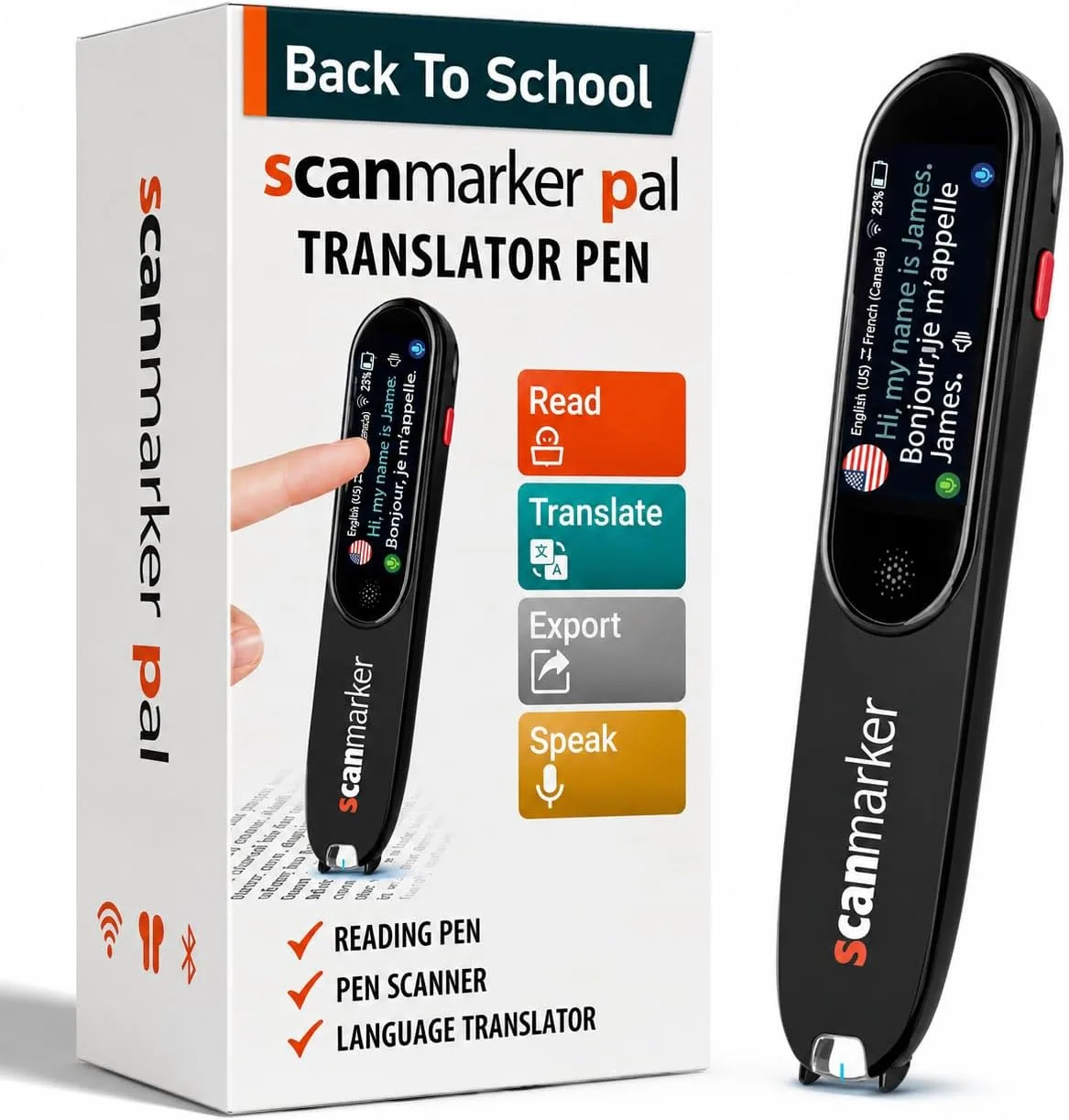
Scanmarker PAL
$179
Simple, immediate read-aloud
- Standalone — no phone or app required
- 10 languages
- 8-hour battery
- Nothing to configure
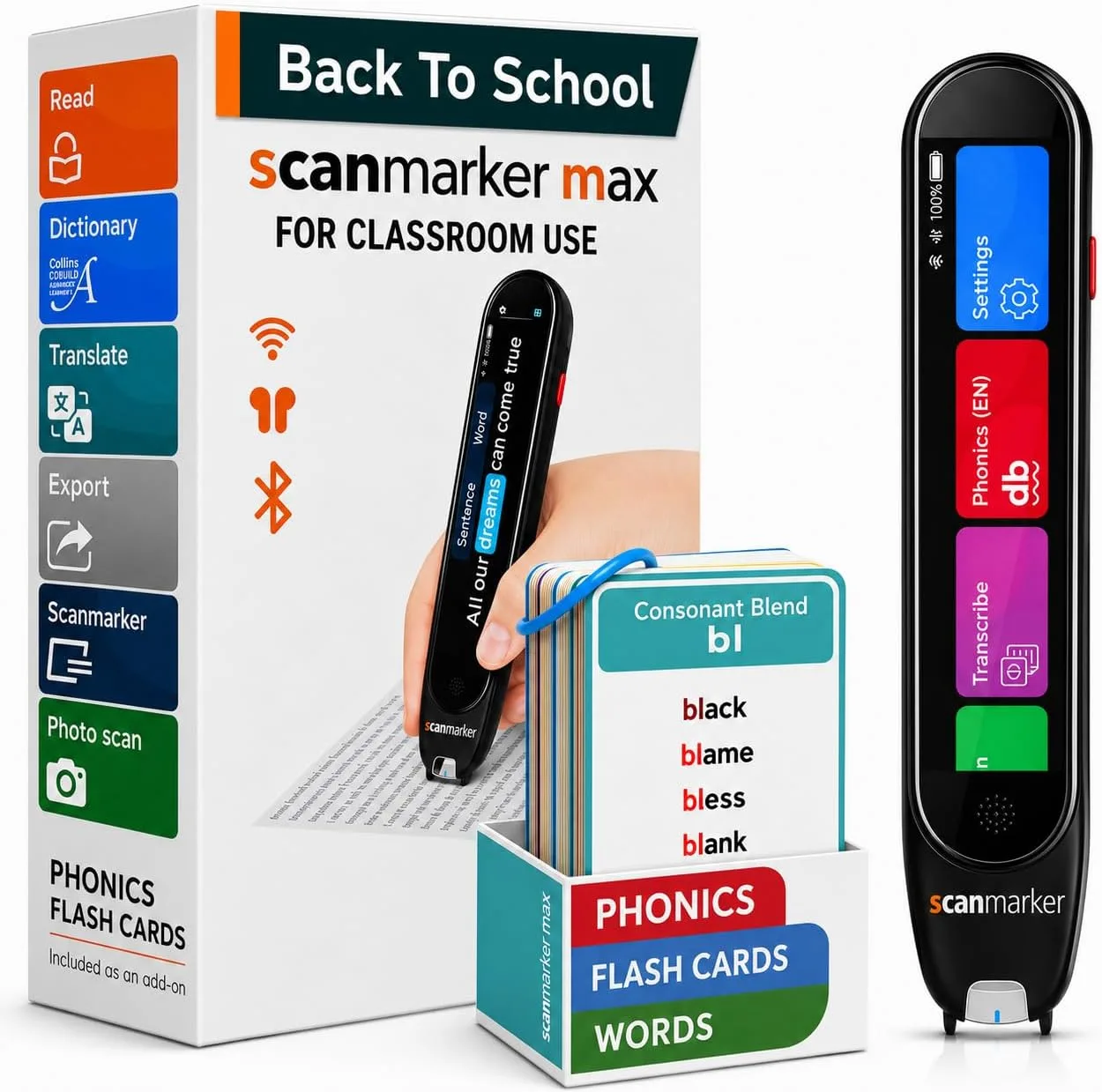
Scanmarker Max
$315
Phonics, exam-lock, translation
- Standalone — exam-approved
- 30 languages
- 16-hour battery
- Phonics module, exam-lock mode
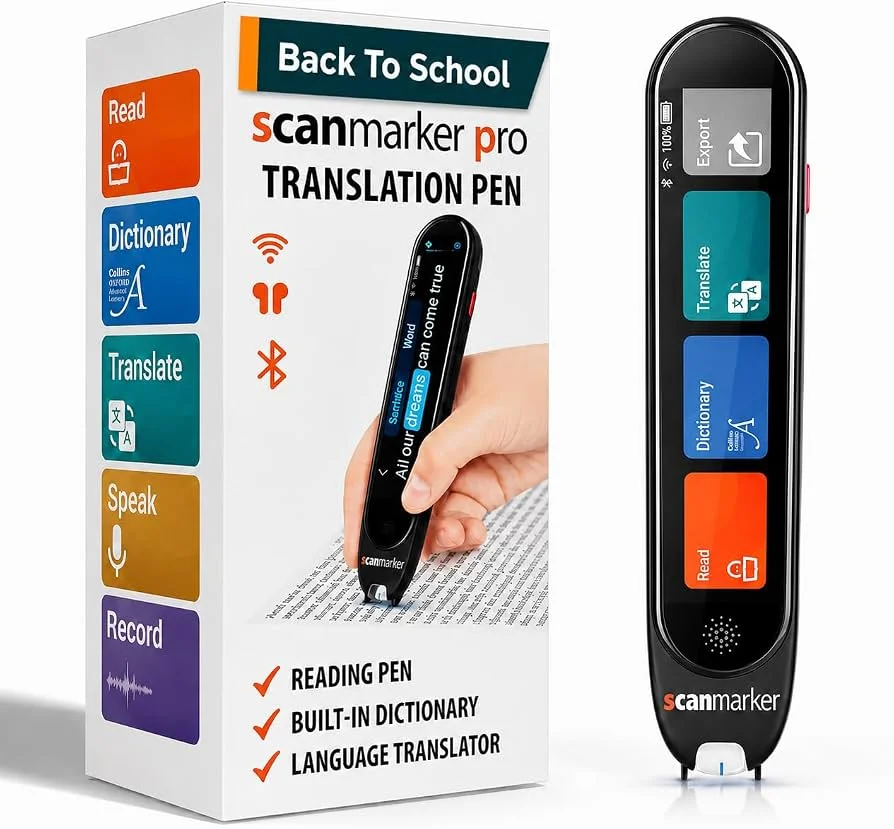
Scanmarker Pro
$259
Translation & note-taking
- Standalone
- 50+ languages online, 5 offline
- No phonics module or exam-lock
- Best for heavy translation use
| Feature | PAL | Max | Pro |
|---|---|---|---|
| Price | $179 | $315 | $259 |
| Reads aloud, standalone | Yes | Yes | Yes |
| Languages | 10 | 30 | 50+ online, 5 offline |
| Battery life | 8 hours | 16 hours | — |
| Phonics module | No | Yes | No |
| Exam-lock mode | No | Yes | No |
| Best for | Early / struggling readers | Phonics + exam accommodations | Translation + note-taking |
On this site the two pens that matter are:
PAL — $179 scan-and-hear, no phone.
Max — $315 phonics module, exam-lock, translation.
Are Reader Pens Allowed in Exams?
Sometimes — but only under the specific rules of the assessment and with the required approval. Do not buy a standard reading pen assuming it will be allowed.
For UK qualifications governed by JCQ, current guidance says an examination reading pen must be provided by the centre, must not have an in-built dictionary or thesaurus, and must not have data storage. The arrangement must reflect the candidate's normal way of working in school tests and mocks. (JCQ Instructions for Conducting Examinations, section 14.17)
For US and other assessments, rules vary by state, test publisher, school, and accommodation plan. Ask the school's learning support lead, disability services team, SENCO, or test coordinator these questions in writing:
- Is a reading pen permitted for this exact assessment?
- Does it need to be an approved/restricted model?
- Are dictionaries, translation, storage, Bluetooth, Wi-Fi, cameras, or headphones prohibited?
- Who supplies and configures the device?
- Does the student need to use the same arrangement routinely before the exam?
How to Introduce a Reader Pen Successfully
Buying the device is only the first step. A short, low-pressure introduction is more likely to make it useful.
- Start with familiar text. Use a favourite book or a short worksheet, not a high-stakes test.
- Practise the motion. Scan one line at a time, at a consistent pace. Let the user find a comfortable grip.
- Choose one feature first. Begin with read-aloud. Add dictionary, saving, or translation later.
- Use headphones when appropriate. This can make the tool less disruptive in a classroom or workplace.
- Build it into a routine. Try it for ten minutes of real reading rather than using it only as a novelty.
- Review what helped. Was it hard to scan? Was speech too fast? Did the reader reach the end of the paragraph with more understanding?

Common Limitations and Realistic Expectations
Reader pens are helpful tools, but they have limits:
- They do not reliably read handwriting or every complex page layout.
- They can misread faded, tiny, decorative, or poorly printed text.
- A scan must be made carefully; rushing creates errors.
- They may not be allowed in tests, even if a student uses one at home.
- A device with too many features can be harder for a younger learner to use.
- They do not replace dyslexia assessment, specialist advice, accommodations, or explicit reading instruction.
The right goal is not "the pen reads everything perfectly." It is "the reader can access more of the text with less stress and more independence."
Final Recommendation
A scan reader pen for dyslexia is worth considering when printed text is the barrier and a reader would benefit from discreet, immediate read-aloud support. Choose a pen after identifying the real reading tasks, the school or work environment, and any exam constraints — not because it has the most features.
For many families, the smartest first move is to borrow or trial a device, practise with real classroom material, and involve the learner in the choice. The best reader pen is the one that feels simple enough to use every day.